반응형
계산기 MCP 만들면서 감?을 익혀보자.
1. 폴더 생성
mkdir -p ~/mcp/Calcluator-MCP
cd ~/mcp/Calculator-MCP
2. 환경구성
uv init
uv add fastmcp
mv main.py calculator.py
3. calculator.py 에 아래 내용 입력
from fastmcp import FastMCP
mcp = FastMCP("Calculator-MCP")

@mcp.tool(name="add", description="Add two numbers")
def add(a: int, b: int) -> int:
    """Add two numbers and return the result."""
    return a + b

@mcp.tool(name="subtract", description="Subtract two numbers")
def subtract(a: int, b: int) -> int:
    """Subtract two numbers and return the result."""
    return a - b

@mcp.tool(name="multiply", description="Multiply two numbers")
def multiply(a: int, b: int) -> int:
    """Multiply two numbers and return the result."""
    return a * b

@mcp.tool(name="divide", description="Divide two numbers")
def divide(a: int, b: int) -> float:
    """Divide two numbers and return the result."""
    if b == 0:
        raise ValueError("Cannot divide by zero.")
    return a / b

if __name__ == "__main__":
    mcp.run()
4. opencode.jsonc 에 mcp 추가
    "calculator-mcp": {
      "type": "local",
      "command": ["/home/k1410857/mcp/Calculator-MCP/.venv/bin/fastmcp"
      ,"run"
      ,"/home/k1410857/mcp/Calculator-MCP/calculator.py"
    ]
    }
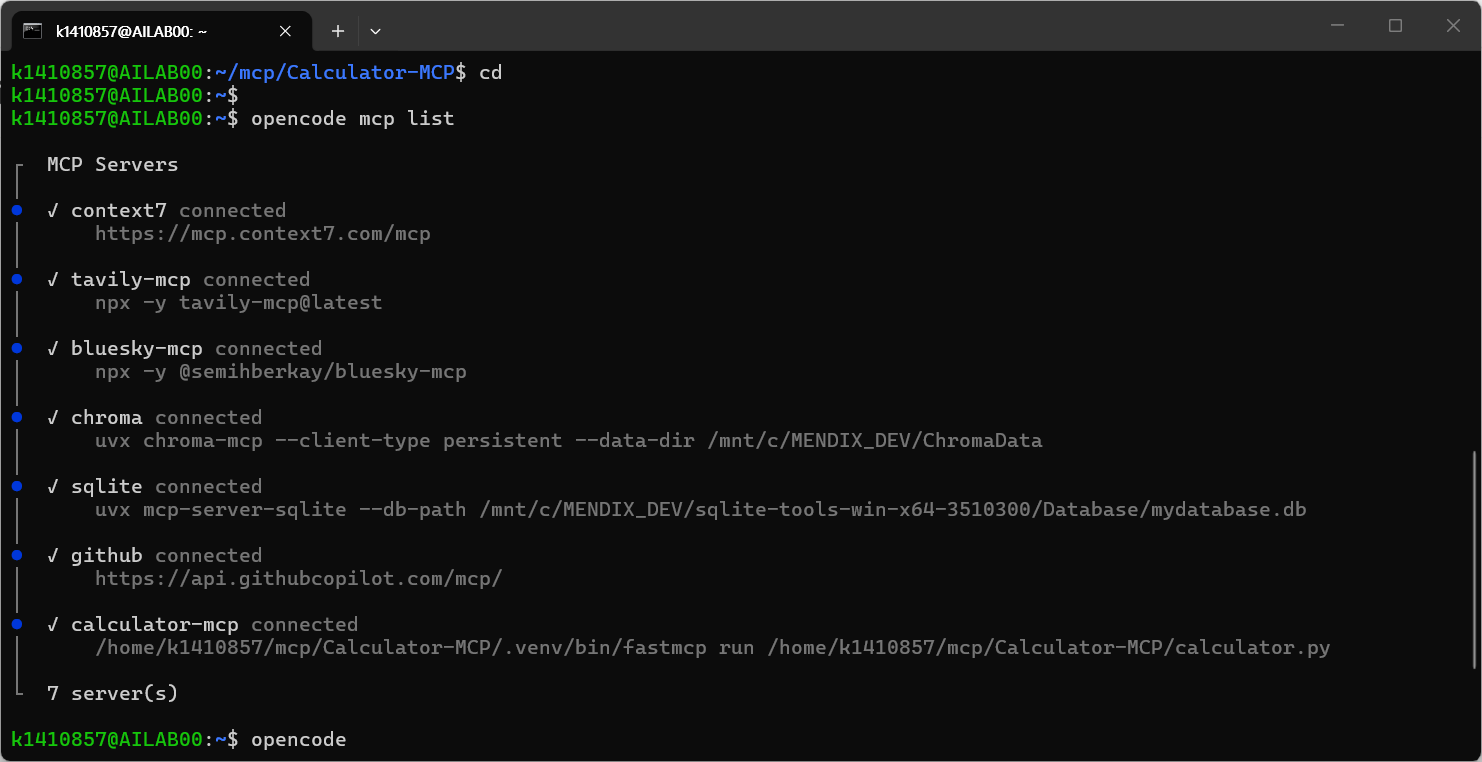
5. 정상 등록 확인
6. 활용 질문
플랜모드로 질문할 경우, 가끔씩 도구 사용제한으로 mcp 를 사용하지 못한다. 빌드 모드로 질문하면 아래와 같이 잘써서 나온다.

반응형